Is this WhatsApp Cloud API?
No. You scan your business number for OTP. Campaigns can use a second scan. The bot can use a third on Pro. Free still replies on the OTP line. Guardian paces each number. Cloud API onboarding is a different product.
Can the bot place a WhatsApp call?
Not through the scanned session. Drop a Call invite message with a wa.me link. Native calling needs official Business Calling, which we do not run on the scanned line.
How do people find the bot?
Sign in, create a bot, publish. Then Share, Site, or /b/your-slug and the QR. WordPress is a plugin ZIP. Shopify and Wix get a snippet from Share. A sample on the embed page will not chat.
Can I build the bot from my own app?
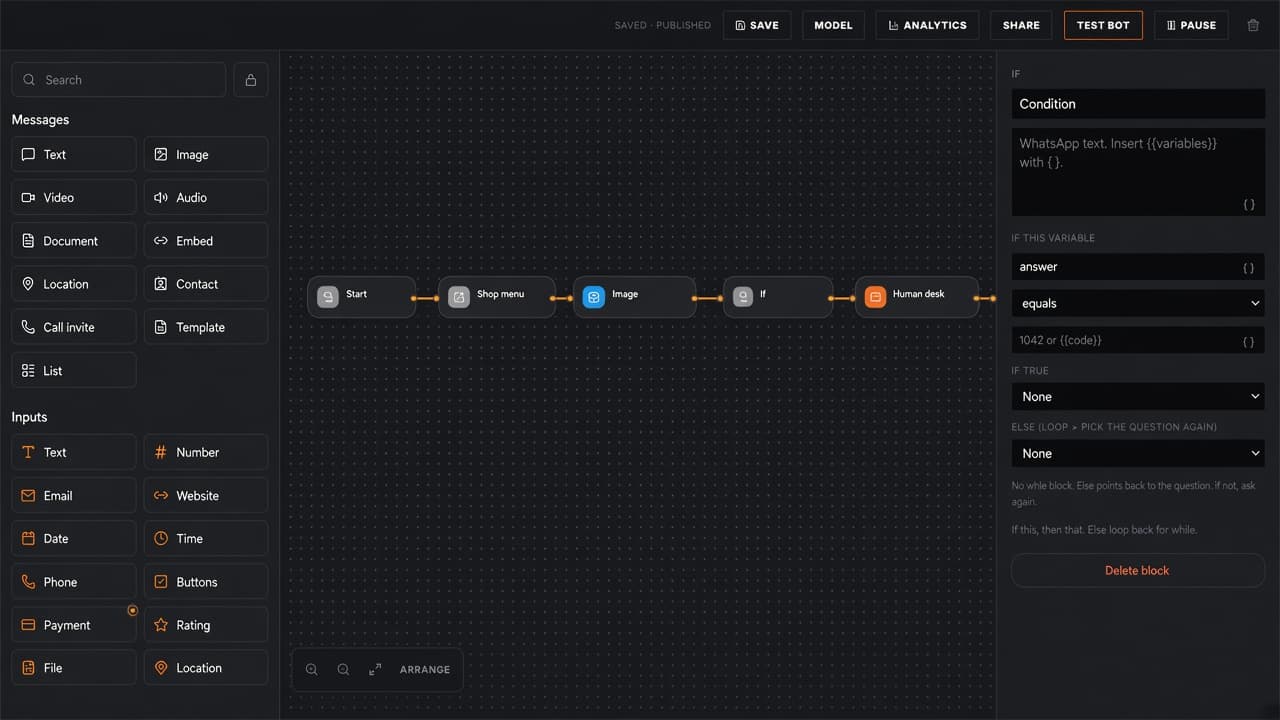
Yes. GET and PATCH /api/v1/bots with your project Bearer key. POST /api/v1/bots to create. POST /simulate to dry-run a turn. The canvas HTTP block still calls your https API at runtime.
Does analytics show opened like email?
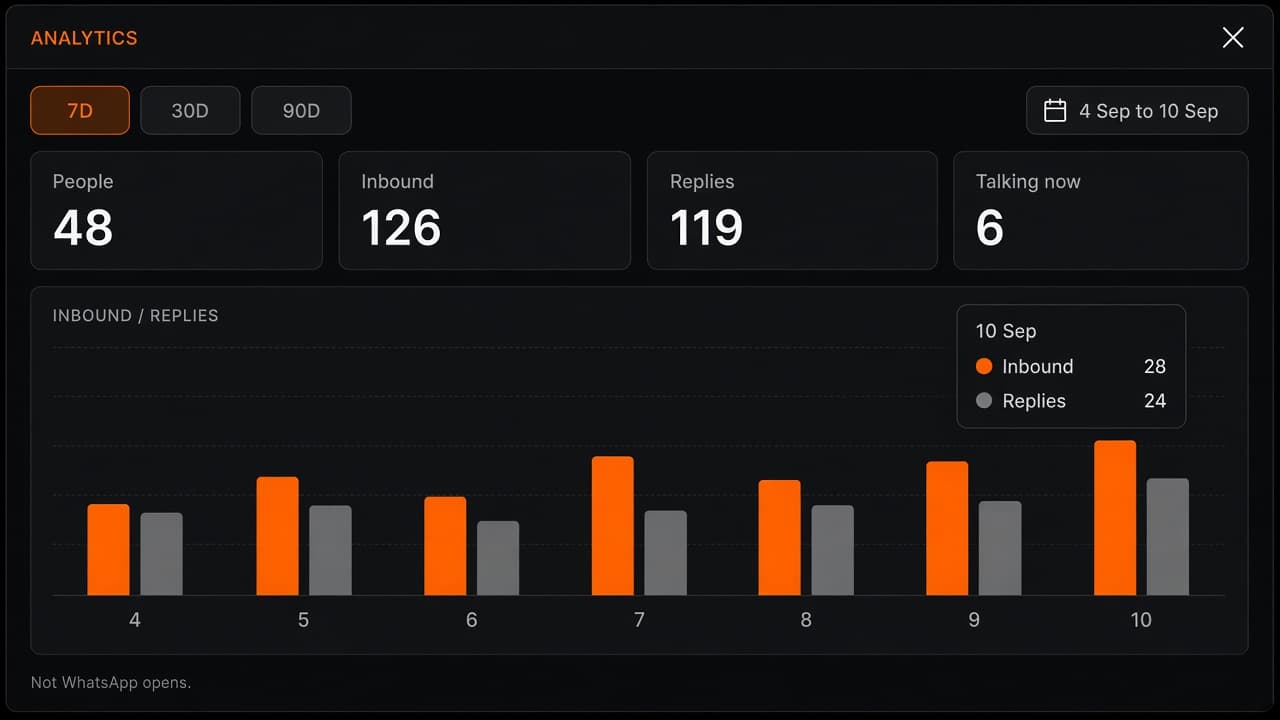
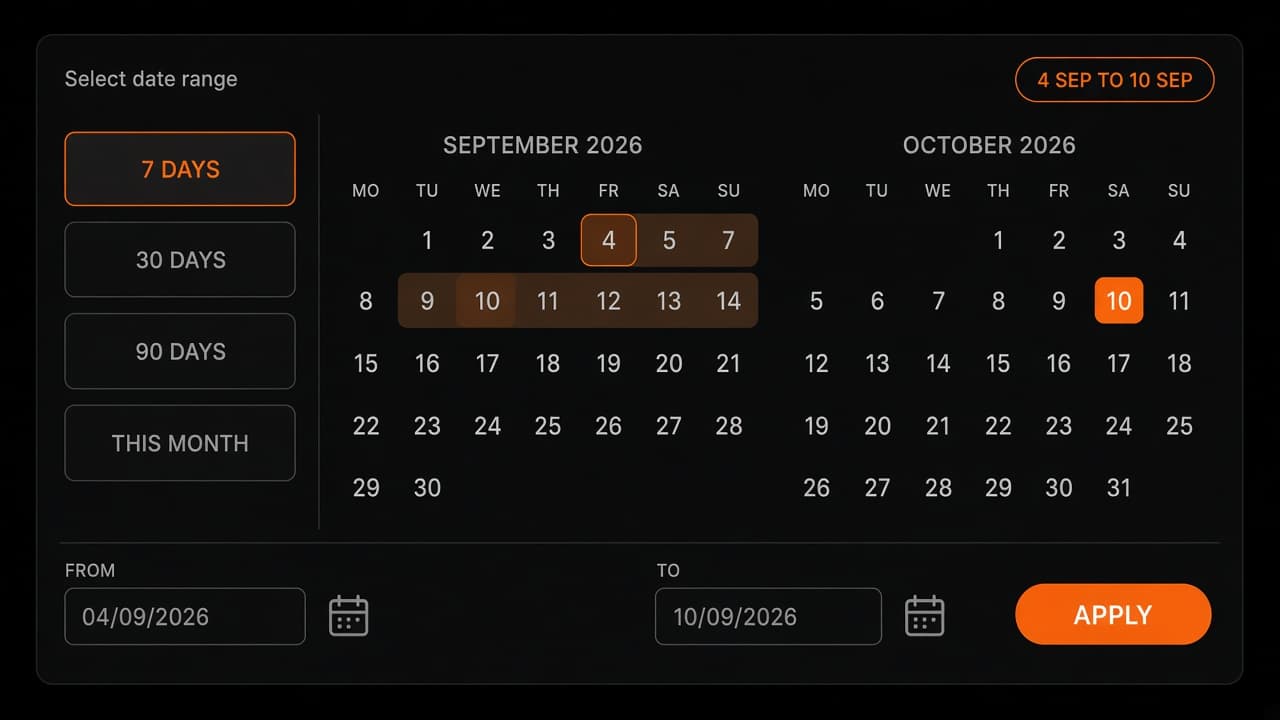
No. Bot Analytics counts sessions, inbound writes, and replies the bot actually sent. WhatsApp read receipts are not stored for those replies. Campaigns have their own conversation report.
Can the bot send a product card or a catalog?
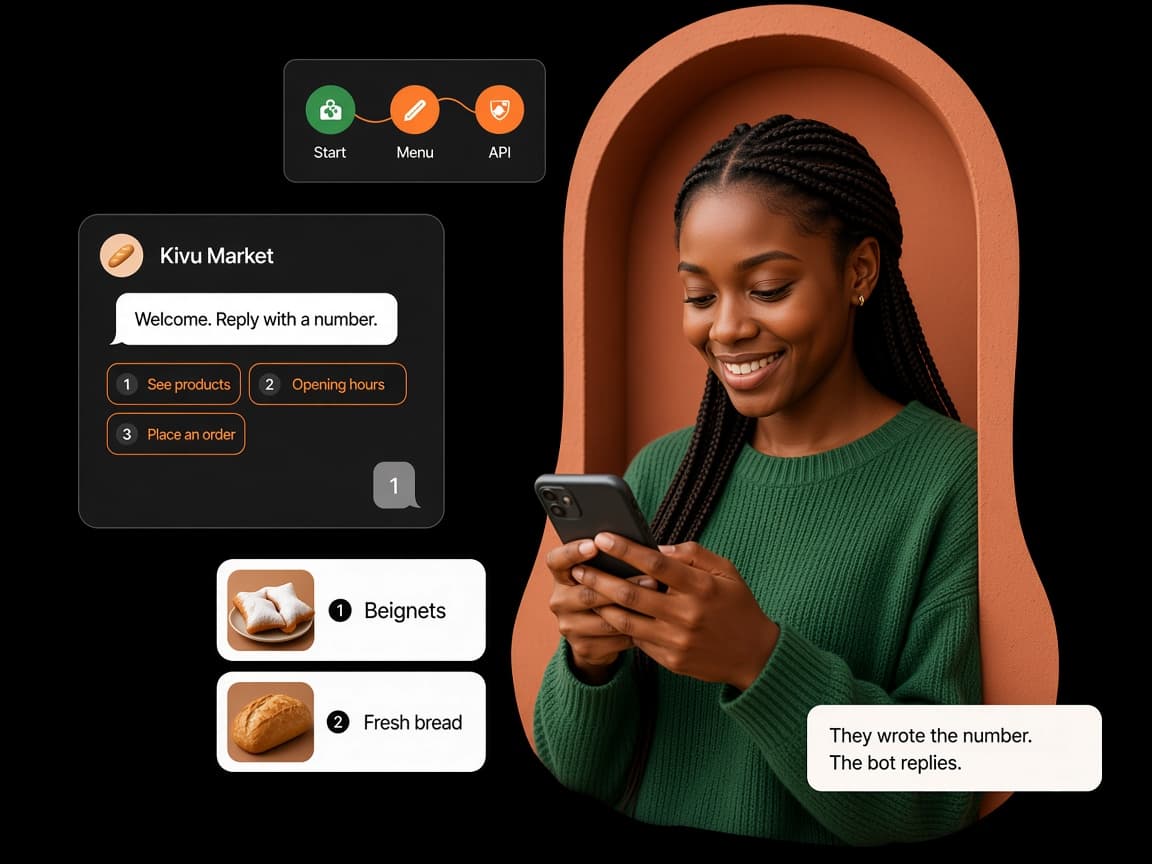
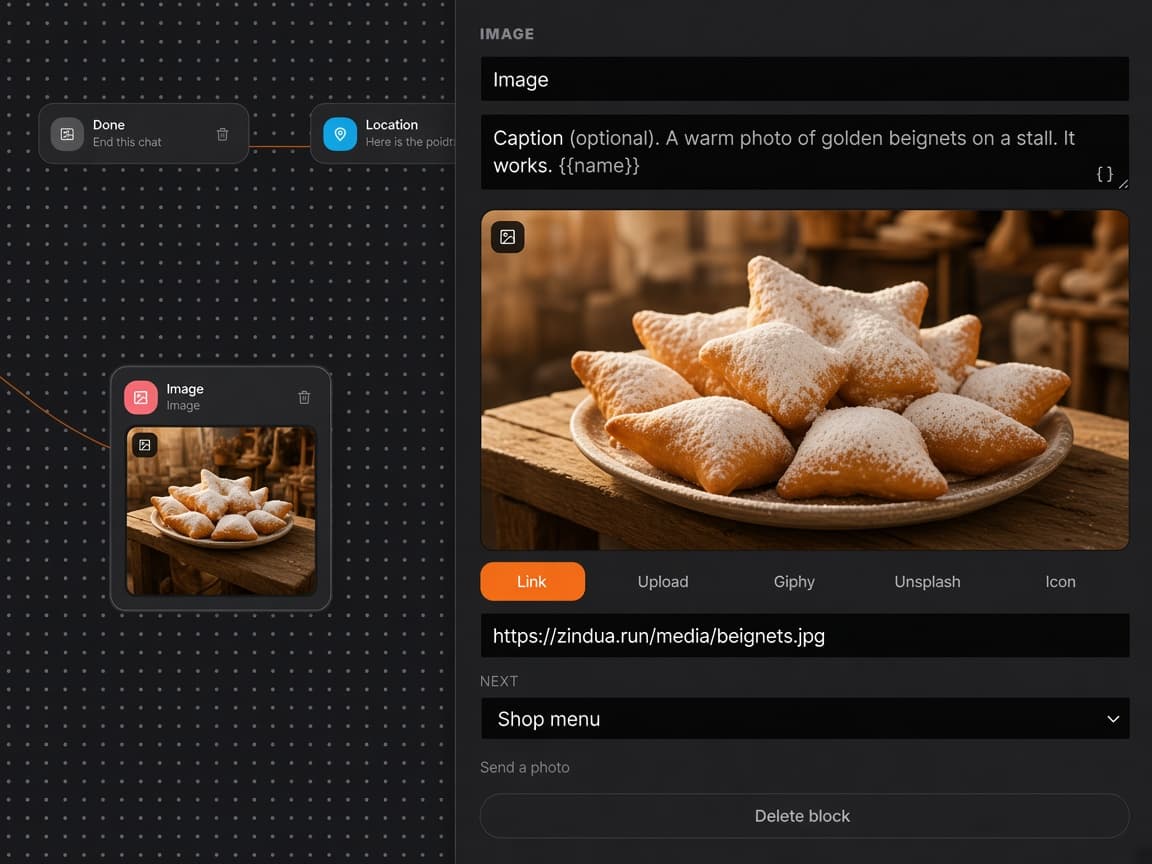
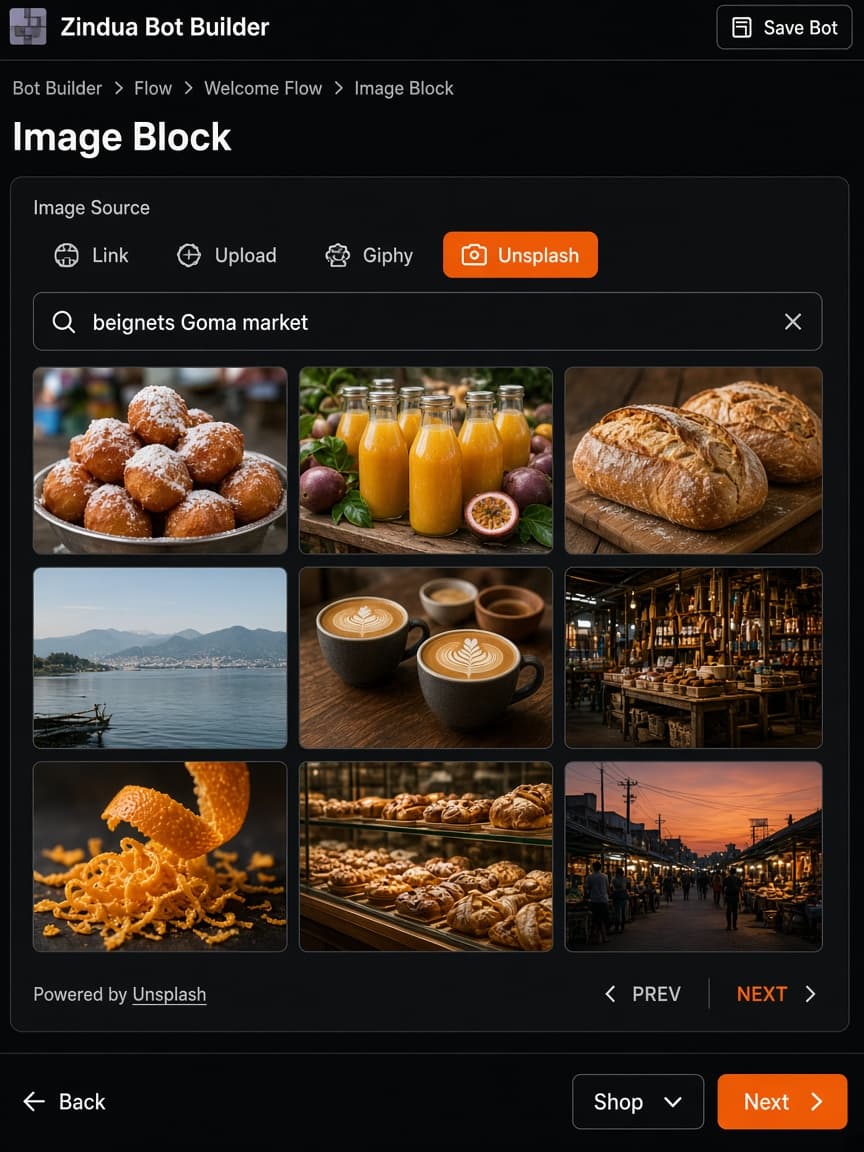
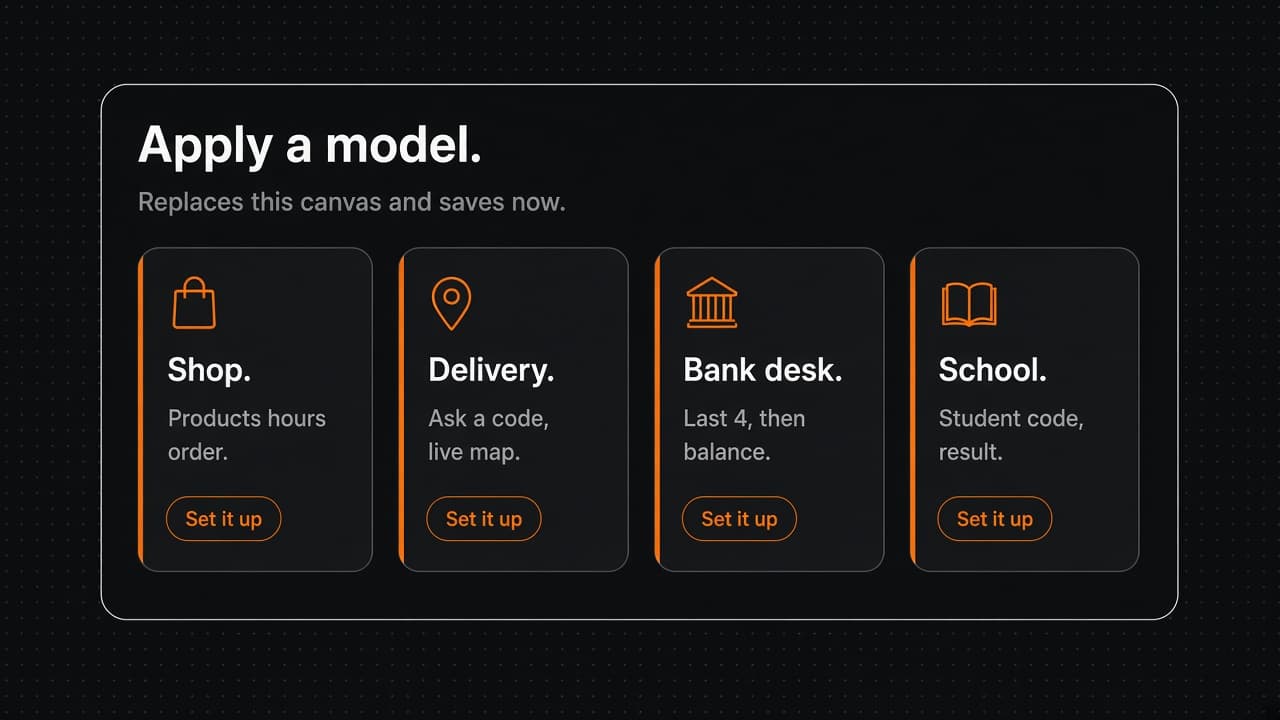
Yes. Drop Products, or apply Shop. Edit name, price, photo, stock. They reply 1, 2, 3. The next block can ask how many and hand off to a person. Paste CSV if you already have a file. Native Facebook Commerce Manager cards need WhatsApp Cloud API. This canvas is a scanned line, not Cloud API.
How does the AI block work?
Pro. You paste your OpenAI, Claude, or Gemini key on the project. Zindua never buys tokens. The AI block writes {{ai}}. The next message sends it. One call per step. Hours stay a Message if they never change. Recipes: /bot-builder/ai. Full walkthrough: /bot-builder/guide.