Zindua
Back to blog
WhatsApp·July 21, 2026·8 min read

WhatsApp OTP: why Zindua enforces a 3-second gap (and how to integrate it)

Burst sends look like spam and can ban your linked number. Space WhatsApp POST /api/v1/send calls by at least 3 seconds, with Node, PHP, Python, and C# patterns.

WhatsApp OTP: why Zindua enforces a 3-second gap (and how to integrate it)

This is not optional timing trivia

WhatsApp treats rapid, repeated OTP traffic from one linked number as spam risk. If your backend fires many POST /api/v1/send calls in parallel (retries, load tests, double-clicks, or a loop without a queue), you are asking for a ban on the business line you linked in the dashboard.

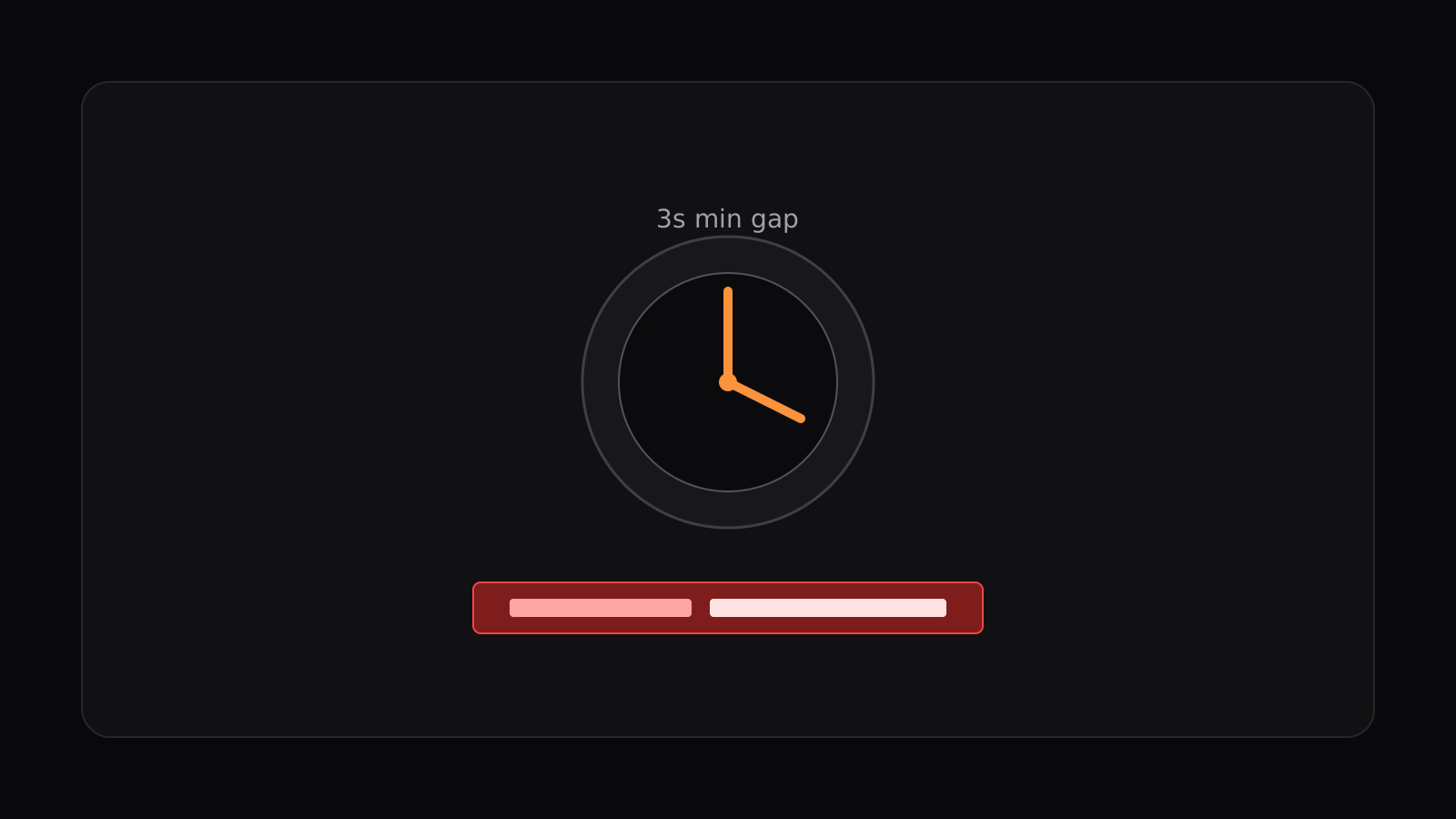
Zindua’s anti-ban layer paces WhatsApp delivery for you. After a successful WhatsApp send, wait at least 3 seconds before the next WhatsApp send for the same project. If you ignore that gap, you will see errors like: Wait Xs before sending another WhatsApp OTP.

  • Minimum 3 seconds between WhatsApp sends (same project)
  • Do not burst concurrent /send calls for WhatsApp
  • Prefer a queue or debounce in your app for resend / load tests
  • Zindua workers also pace; your app must still respect the gap

What Zindua does vs what you must do

On our side, the anti-ban robot applies a minimum interval and per-minute caps so one noisy client cannot melt a linked session. That protects every project on the platform, including yours.

Official SDKs (Node, PHP, Python, .NET) mirror that robot client-side: by default they wait ≥3s between WhatsApp sends on the same client instance and print a warning so developers learn to space traffic. On your side, still treat WhatsApp OTP like a rate-limited API: serialize bursts, use a queue or debounce, and map wait messages to clear UX.

Node.js / TypeScript

Use a short sleep between scripted sends, or a Redis/memory lock on your OTP resend endpoint so users cannot hammer WhatsApp.

example
import { Zindua } from "@zindua/sdk";

const zindua = new Zindua({ apiKey: process.env.ZINDUA_API_KEY! });

await zindua.send({
  to: "+243812345678",
  channel: "whatsapp",
  template: "otp-verification",
  lang: "fr",
  variables: { code: "482910" },
});

// Required before the next WhatsApp send (same project)
await new Promise((r) => setTimeout(r, 3000));

await zindua.send({
  to: "+243812345678",
  channel: "whatsapp",
  template: "otp-verification",
  variables: { code: "991002" },
});

PHP / Laravel

sleep(3) works for CLI smoke tests. In Laravel, prefer a cache lock that returns 429, or dispatch a delayed job. Do not block the user request for three seconds on every resend.

example
use Zindua\Client;

$zindua = new Client(['apiKey' => getenv('ZINDUA_API_KEY')]);

$zindua->send([
    'to' => '+243812345678',
    'channel' => 'whatsapp',
    'template' => 'otp-verification',
    'variables' => ['code' => '482910'],
]);

sleep(3); // scripts / CLI only

$zindua->send([
    'to' => '+243812345678',
    'channel' => 'whatsapp',
    'template' => 'otp-verification',
    'variables' => ['code' => '991002'],
]);

// Laravel (recommended): Cache::add('zindua:wa:'.$phone, 1, now()->addSeconds(3))
// or dispatch(new SendWhatsappOtp(...))->delay(now()->addSeconds(3));

Python

Same rule: one WhatsApp send, then wait (or enqueue) before the next. FastAPI endpoints should reject rapid resends with HTTP 429 instead of sleeping inside the request when traffic is interactive.

example
import os, time
from zindua import Zindua

zindua = Zindua(api_key=os.environ["ZINDUA_API_KEY"])

zindua.send(
    to="+243812345678",
    channel="whatsapp",
    template="otp-verification",
    variables={"code": "482910"},
)

time.sleep(3)  # scripts / batch only

zindua.send(
    to="+243812345678",
    channel="whatsapp",
    template="otp-verification",
    variables={"code": "991002"},
)

C# / ASP.NET Core

Use Task.Delay in tools and tests. In production, gate resend with a distributed lock or a background queue so concurrent requests cannot stampede the linked WhatsApp line.

example
await zindua.SendAsync(new ZinduaSendOptions
{
    To = "+243812345678",
    Channel = "whatsapp",
    Template = "otp-verification",
    Variables = new Dictionary<string, string> { ["code"] = "482910" },
});

await Task.Delay(TimeSpan.FromSeconds(3));

await zindua.SendAsync(new ZinduaSendOptions
{
    To = "+243812345678",
    Channel = "whatsapp",
    Template = "otp-verification",
    Variables = new Dictionary<string, string> { ["code"] = "991002" },
});

Integration checklist

If your load test or “resend OTP” button ignores the gap, Zindua will pace or reject, and aggressive bypass attempts put the linked number at ban risk. Build the 3-second rule into your product UX from day one.

  • Resend button disabled or countdown ≥ 3s
  • No parallel WhatsApp send loops in CI without delays
  • Handle Wait Xs before sending another WhatsApp OTP in the client
  • Queue bulk WhatsApp jobs with spacing; never fire-and-forget bursts

Quick start from this article

Open WhatsApp docs

Connect QR, templates, and send contract.

Open guide

Dashboard WhatsApp

Link your number and review the pacing notice.

Open guide

Run doctor

Confirm API key and channel health.

terminal
npx @zindua/cli@latest doctor

Related articles

MCP

Beginner guide: Zindua MCP 1.1 for Cursor and Claude (start here)

Never used MCP? Add one JSON file, reload your editor, then type one sentence. Closed-loop OTP: workflow → scaffold → validate → send → watch log.

Cursor

Ship OTP from Cursor: the Zindua plugin for Marketplace

Rules, slash commands, and @zindua/mcp in one install. Diagnose your project with /zindua-doctor without pasting API keys into chat.

Python

Python and FastAPI: send email and WhatsApp OTP with the Zindua SDK

Async httpx client, env-first keys, and one send() for email or WhatsApp. A practical FastAPI route pattern for login verification.

Try it in your stack

Docs and MCP tools to validate keys, templates, and OTP delivery.